

Easily create, convert, edit, merge and work with PDFs
Without the endless payments
Our Most Powerful PDF Editor Ever


Everything You Need Except the High Price Tag
Power PDF is packed with powerful features and robust security, yet easy to use. It’s fully scalable and ready for entrepreneurs to Fortune 500 businesses—all at an unbeatable price.
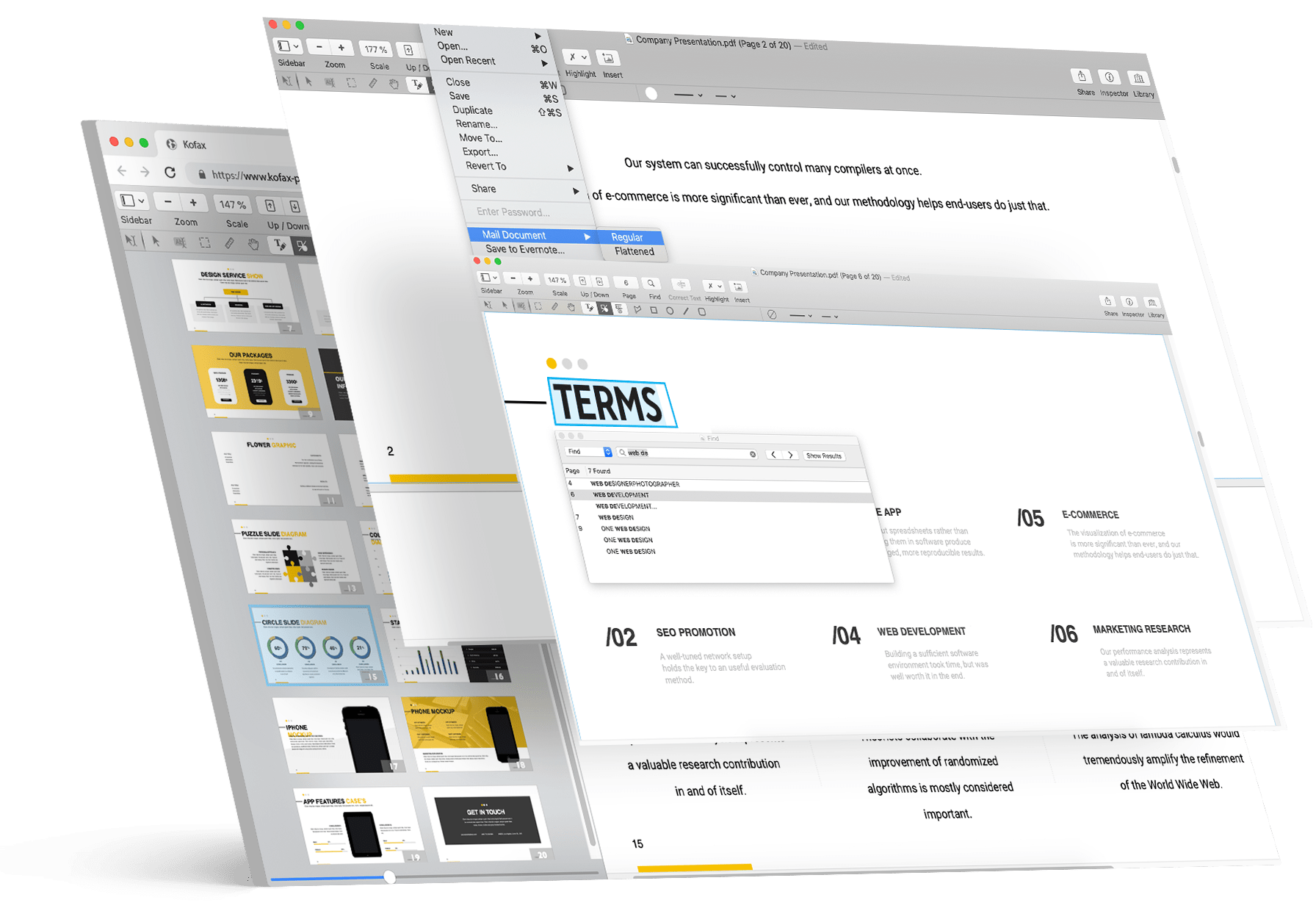

Easily send PDFs for eSignature

All your documents easily shared on the cloud

Search every scanned document using optical character recognition

Bates stamping to single or a set of documents
Discover Power PDF Advantages

Convivialité
A ribbon style interface that makes tool locations obvious
Fewer clicks to get work done
Send out PDFs for eSignature

Sécurité
Security without passwords using Microsoft Active Directory Rights Management System
Anti-tampering certificate technology for certain document authenticity
Lock down network connections and features for compliance and best practices

Editing
Take commenting, editing and combining documents to new levels of productivity
Easily edit the text in a PDF and add images or videos
Unique capabilities like creating table of contents, editable forms and Bates stamping

Conversions & Scanning
Experience unequaled levels of accuracy from the leader in document conversion technology
Leverage your Copier/MFP for the fastest, most effective way to turn paper into PDF files
Scan and highlight, redact or cross out text in one step

Searching
Perform intelligent Looks Like Search™ via an alphanumeric pattern rather than exact text
Proofread the hidden text in your scanned documents automatically for maximum search precision
Search and highlight, redact or cross out text in one step

Collaboration
Let designated users on your network edit PDFs in real-time— ideal for remote team members
Work on documents across platforms and touch devices
Create a central location for recordkeeping and reporting
Les clients adorent Power PDF





| Power PDF Advanced | Adobe Acrobat Pro | Foxit PDF Editor | Nitro PDF Pro | |
|---|---|---|---|---|
| Prix | 171 € Une seule fois |
230 €/an Prépayé annuellement |
105 €/an Prépaiement annuel |
239 € Achat unique |
| Économie sur 3 ans | $541 | $151 | $71 | |
| Comparaison des fonctionnalités | Comparez | Comparez | Comparez |
* Les prix sont indiqués en dollars américains, sauf mention contraire, et datés en décembre 2024. Taxes nationales applicables.
Découvrez combien vous pouvez économiser par rapport à Adobe Acrobat
Calculer vos économies
Choisissez la version de Power PDF qui répond le mieux à vos besoins
-
- Native ARM Support
- Compatible avec Microsoft Windows 8.1, 10, 11 (versions 32 et 64 bits)
- Compatible avec MS Office 2010-2019 et 365
- Création, modification et exportation PDF efficaces
- Interface de type Office facile à utiliser
- Idéal pour les particuliers et les tâches PDF classiques
-
- Native ARM Support
- Intégration avec SharePoint, iManage et plus
- Signature électronique
- Traitement par lots
- Numérotation/estampillage Bates
- Fonctionnalité de biffure avancée
- Protection par mot de passe
- Et tout ce qui est disponible dans Power PDF Standard
-
- Runs on Mac OS 10.15 through 26 (Tahoe)
- Interface native macOS, rationalisée — minimale, moderne, sans distraction
- Modifiez et annotez les PDF avec des fonctions de surlignement, commentaires et annotations
- Convertissez des PDF aux formats Word, Excel et en image tout en conservant la mise en page
- Combinez, divisez et organisez les pages pour structurer les documents selon vos besoins
- Remplissez et signez les formulaires numériquement — sans besoin d'imprimer
Comparez les licences individuelles de Power PDF Advanced et Standard







Les prix sont indiqués en dollars américains, sauf mention contraire. Taxes nationales applicables.
Power PDF Business
Everything in Advanced for 5 or more users with support for Citrix, Microsoft App-V and Windows Server deployment, Generative AI Copilots, and SDK and API capabilities for customization. Cloud Editor and app for Microsoft Teams included for subscription customers.

If you're not satisfied, we'll buy it back! Tungsten Automation offers a 30-day money back guarantee for the purchase price on Power PDF Advanced, Standard and Mac individual licenses purchased on tungstenautomation.com, beginning on date of purchase. Power PDF Business excluded.
How do I get my file and serial number?
Once you complete the checkout, your download link and serial number will appear on the confirmation page and will also be emailed to you. Please download and backup your file within 2 weeks.
Power PDF est-il un abonnement ?
Power PDF Advanced, Standard and Mac are perpetual licenses – buy once and own it forever, with no additional monthly or annual fees. Future upgrades sold separately – generous discounts available. Power PDF Business is available as a subscription or perpetual license.
What support is included?
Your license includes 90 days of expert technical support that covers installation, setup, and personalized configuration.
How many devices can I use my license on?
Power PDF is an individual license and can be installed on a maximum of 2 devices (desktop, laptop or Windows Surface tablets) concurrently but can only be used on 1 of those devices at a time. See EULA for details.
Quelle est la politique de remboursement ?
Tungsten Automation offers a 30-day money back guarantee on all Power PDF, PaperPort, and OmniPage individual desktop licenses purchased only on tungstenautomation.com. Power PDF Business is not eligible for refunds.